- Start the scanLoad your sitemap on the New scan page and choose Run scan. You are taken to the scan’s report straight away.
- Close the page if you likeThe scan keeps running on our servers. Nothing depends on the page staying open or on your computer staying on.
- Get the emailWhen the scan finishes you are emailed how many links were checked and the most serious findings, with a link to the full report.
- Check on it any timeThe report shows how many pages have been read and how many links checked, with the findings so far. You can open it from History or from the banner on the New scan page.
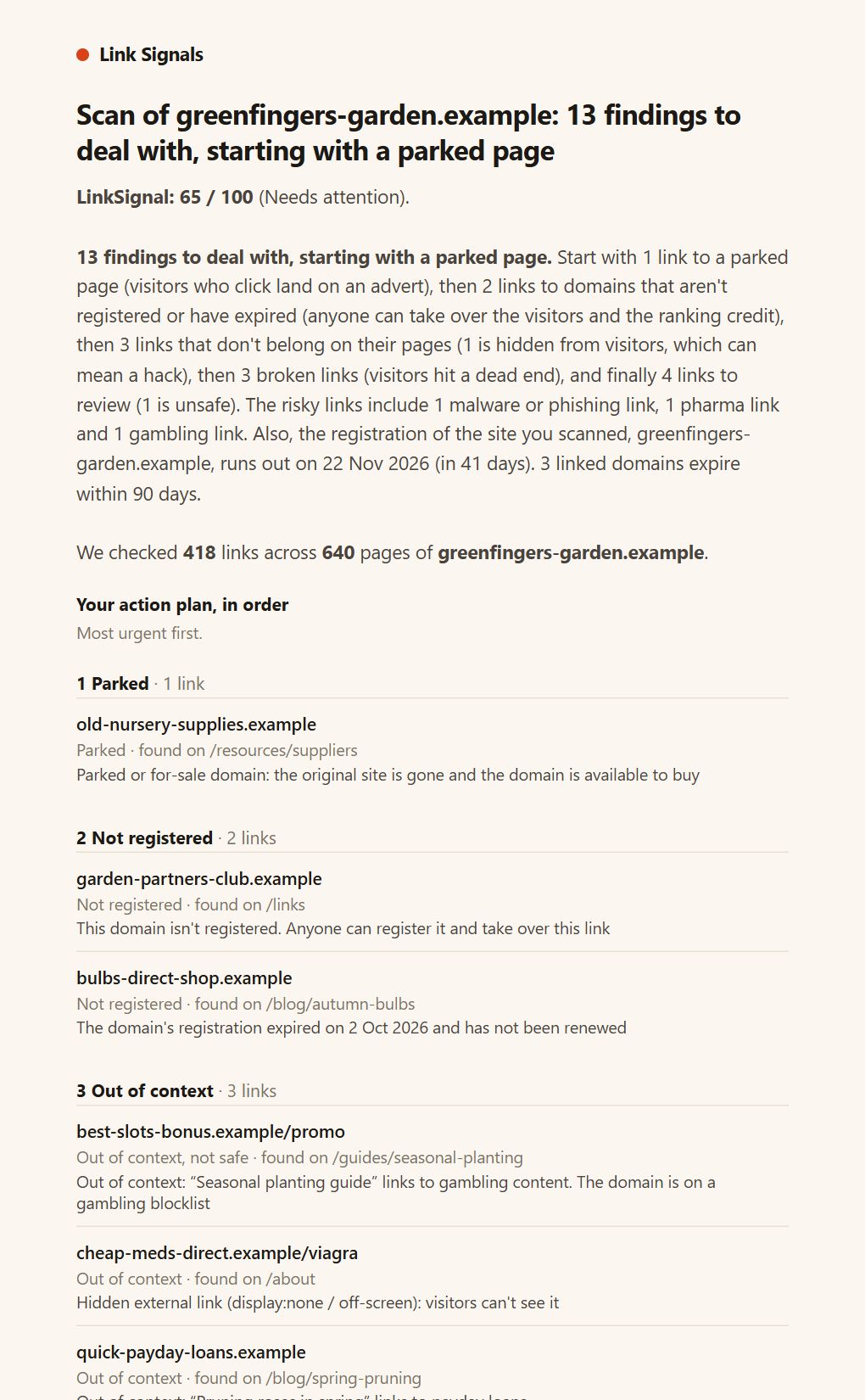
What the status means
| Status | Meaning |
|---|---|
| Queued | Waiting for a free slot. Only a few scans run at once across the service, and yours starts on its own. |
| Running | Pages are being read and links checked. |
| Done | The scan finished. The full report is saved in History. |
| Cancelled | You stopped it. What had been checked is saved. |
| Interrupted | The service restarted while the scan was running. What had been checked is saved, and you are emailed. |
| Failed | Something stopped it, for example the sitemap couldn’t be read or your monthly allowance ran out. The reason is shown on the report and in the email. |
How long a scan takes
| Pages in the sitemap | What to expect |
|---|---|
| Up to 100 | Usually a minute or two. |
| Up to 1,000 | Usually several minutes. |
| Up to 10,000 | Half an hour or more. |
| More than 10,000 | An hour or more. |
The scan page tells you what to expect before you start, and the report shows how far through it is and a rough time remaining once there is enough to estimate. Larger scans show a clearer warning, and every scan tells you that you will be emailed.
Cancelling, limits and your allowance
- Cancel scan is on the report while it runs. It stops within a few seconds, keeps everything found so far, and doesn’t send an email.
- You can have one scan queued or running at a time. Start the next one when the first finishes or is cancelled.
- Link checks are counted against your monthly allowance as the scan goes, so a stopped scan only uses what it actually checked.
Questions
Will I be emailed if I cancel?
No. You stopped it yourself, so there is nothing to announce. A scan that finishes, fails or is interrupted does send an email.
What if I never open the email?
The report is saved in History either way, so nothing is lost.
What happens before any link checks are used
Reading a page costs time, not link checks. Link checks are used when a link’s destination is checked. So a scan starts by reading its first 25 pages on their own, without checking any destination, and works out what the whole site would cost.
- It fits: the scan carries on as normal.
- It clearly would not fit: the projection is well over what the scan may check, either because of your plan’s limit for one scan or because of what is left of your month. The scan is stopped there, having used none of your link checks, and you are told by email and on the report.
- The report then offers three ways forward: run it anyway, which gives a partial result that is labelled as one; trim the sitemap; or choose a plan that covers more.
The projection counts different destinations, not links. A link that appears on every page, such as one in a footer, is only counted once, so a site with a long footer is not over-counted. A small site is never stopped this way.
Load your sitemap, start the scan, and carry on with your day.
